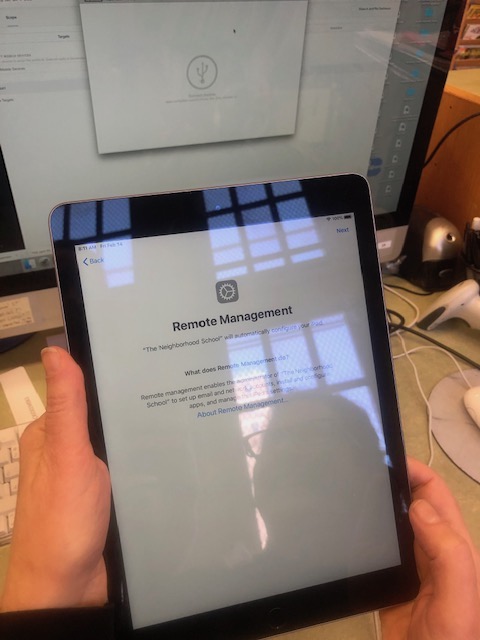
Friday was a very productive day. We had a call set up with our DOE Apple School Account Manager who was going to walk us through the iPad set-up. I arrived at 9am expecting a short call, but this amazing person stayed on the line with us for over two hours….and then called us back at 1pm. There were so many steps involved with setting-up the apple device manager, JAMF. I’m forever going to be in awe of how our rep walked us through this complicated exersize. First we had to set-up Apple Configuration on the desktop. Apple Configuration allows C to quickly configure large numbers of devices with the settings, apps, and data. Then we had to set up JAMF and sync it with the Apple Configurator.
Once that was done, we had to register all devices with Apple Manager which would then be added to JAMF automatically. Turns out that our rep could locate the serial numbers for half the iPads (because they were purchased with an DOE purchase order, but he is still on the hunt for the other half (maybe donated or procured through a grant. With the half that we could add to JAMF, we were successfully able to set-up the devices remotely on a large scale. This means that all the iPads can be controlled from JAMF, apps can all be added (and purchased through volume vouchers), software updates pushed through and restrictions applied to all devices at one time. AMAZING! Next steps is to locate the missing half of iPads, or entering in their serial numbers by hand.
 Directed Fieldwork at McKinley