The first day of my directed field work my mentor showed me around the school and we sat down and talked about how she plots her schedule with the two school administrators. She walked me through some of the projects that she is working on with the different classes. I met her incredible parent volunteers.
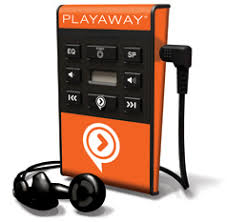
Mid-afternoon, I gave a mini lesson about the Caldecott Medal awards and read I Want my Hat Back by Jon Klassen with her small ICT class. During one of the lunch periods Book Club kids came in to discuss why they like using the Playaways in addition to having the traditional book. I kept notes and took pictures as a potential advocacy project. The rest of the afternoon I helped shelve books and took down the old bulletin board. *I got to meet her parent volunteers.
After the afternoon check-out rush we brainstormed lesson plan ideas that I could help with and ultimate present to one of her classes. Right now she’s working on a dinosaur research project in Pebblego, so we were thinking maybe a note-taking or citing lesson.
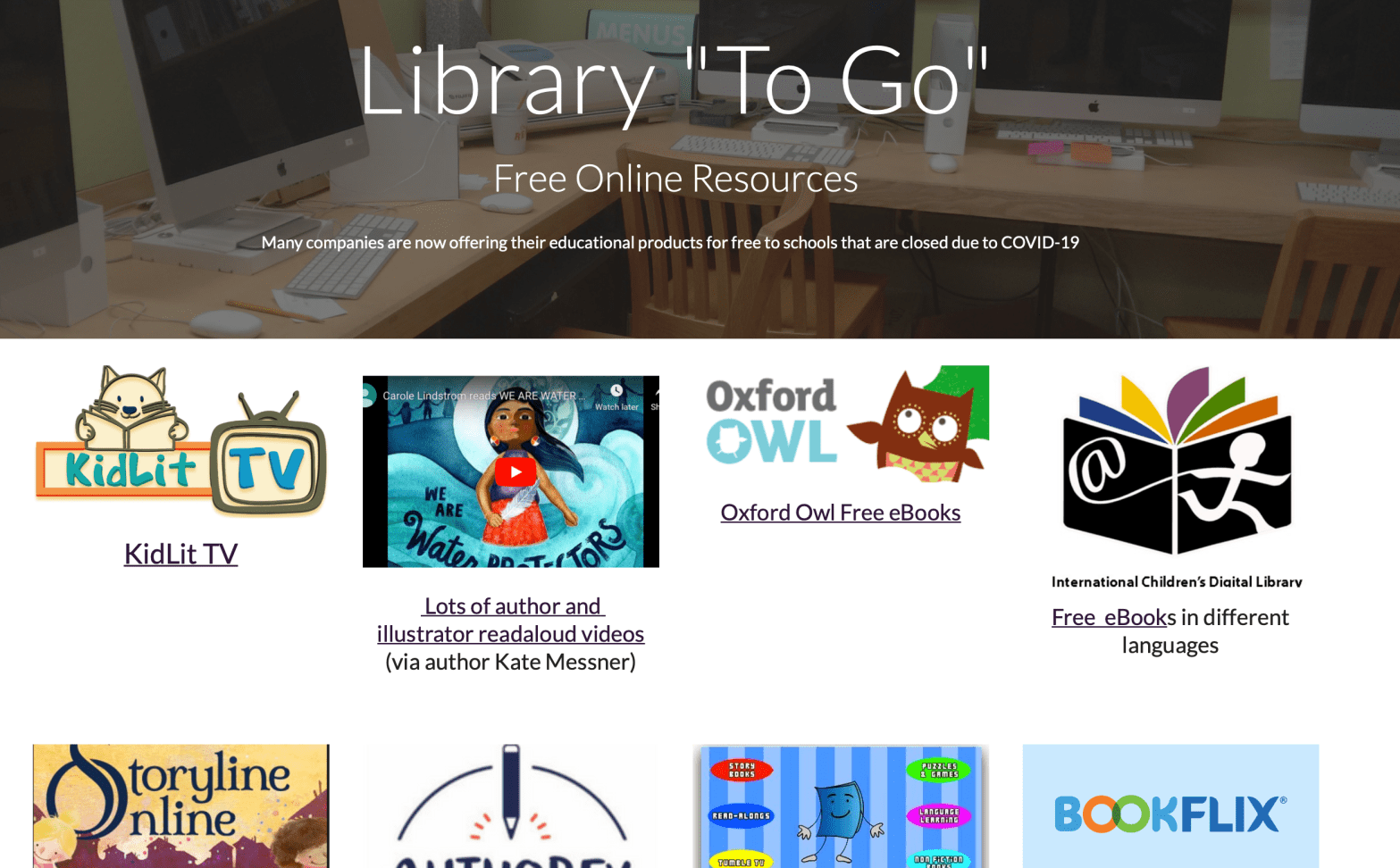
Anxiety was in the air the day I rode the subway in for Day 9. There was pressure on the Mayor to close the school down due to Coronavirus. When we came is C told me that we didn’t have any classes coming in, but she had an assortment of projects that we could work on. One of the first things to tackle was to update the website with some free, online book resources just in case the schools really did close (and they did!)
After we updated the website we tackled repairing a bunch of damaged books. It was a pretty productive day. It actually motivated me to go home and create a website for my current library position.
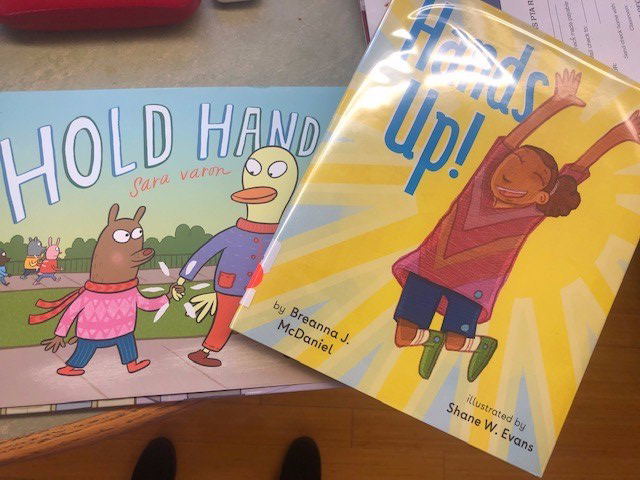
Today the 3rd graders visited the library. They are in the middle of learning about the Black Live Matter movement, and wanted a positive book to read to their kids. C and I looked through some books and decided on, Hand’s Up by Breanna McDaniel.
Review by Google Play: A young black girl lifts her baby hands up to greet the sun, reaches her hands up for a book on a high shelf, and raises her hands up in praise at a church service. She stretches her hands up high like a plane’s wings and whizzes down a hill so fast on her bike with her hands way up. As she grows, she lives through everyday moments of joy, love, and sadness. And when she gets a little older, she joins together with her family and her community in a protest march, where they lift their hands up together in resistance and strength.
Later we visited the PreK reading a cute little book called Hold Hands, by graphic novelist Sara Varon.
This sweet rhyming story about friendship and connection
Hold hands each time you cross the street. Hold hands on the bus if you don’t have a seat. Hold hands when you say goodbye. And also when you’re jumping high.
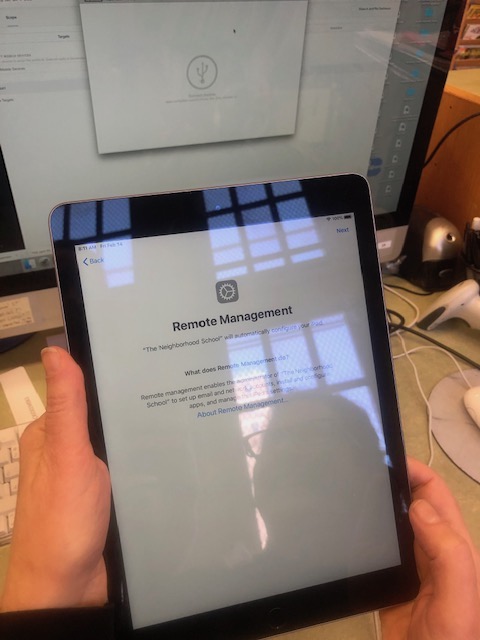
Friday was a very productive day. We had a call set up with our DOE Apple School Account Manager who was going to walk us through the iPad set-up. I arrived at 9am expecting a short call, but this amazing person stayed on the line with us for over two hours….and then called us back at 1pm. There were so many steps involved with setting-up the apple device manager, JAMF. I’m forever going to be in awe of how our rep walked us through this complicated exersize. First we had to set-up Apple Configuration on the desktop. Apple Configuration allows C to quickly configure large numbers of devices with the settings, apps, and data. Then we had to set up JAMF and sync it with the Apple Configurator.
Once that was done, we had to register all devices with Apple Manager which would then be added to JAMF automatically. Turns out that our rep could locate the serial numbers for half the iPads (because they were purchased with an DOE purchase order, but he is still on the hunt for the other half (maybe donated or procured through a grant. With the half that we could add to JAMF, we were successfully able to set-up the devices remotely on a large scale. This means that all the iPads can be controlled from JAMF, apps can all be added (and purchased through volume vouchers), software updates pushed through and restrictions applied to all devices at one time. AMAZING! Next steps is to locate the missing half of iPads, or entering in their serial numbers by hand.
A group of enthusiastic first/second graders came in first period and C gave them “parts of a nonfiction book” lesson. We sat down later with the teachers to discuss what their next steps are for the research project and said that they would like a lesson on note taking and paraphrasing. I volunteered create and present the lesson after the winter break.
Because the rest of the afternoon was fairly quite C and I went through our ipad project – reading up on Moysle and making sure the apple accounts were ready for our conference call with the DOE Apple rep on Friday.
C also showed me their gorgeous new subscription based online instructional content platform, Newsela. The teachers were very excited to begin using the tool.
We also circled back to the curriculum map and C said she would like it more like a mind map, so we looked at a few options in Piktochart and Bubbl.Us.
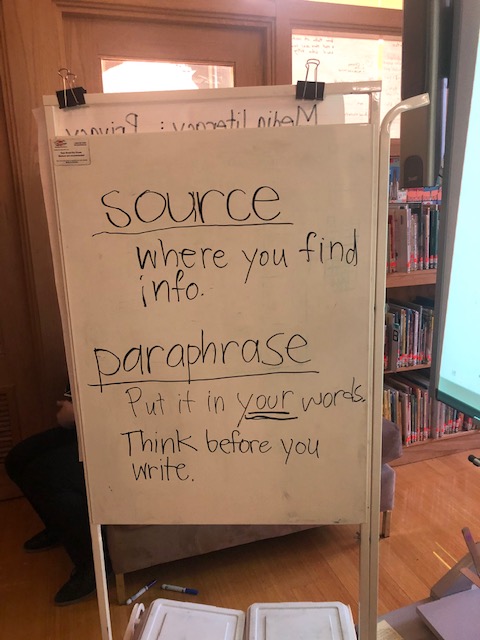
Our first period was a group of kids coming in to learn about research. The combined class of 2nd and 3rd graders were starting their research projects on estuary animals of New York. C gave a mini lesson on sources and paraphrasing before the students teamed-up to explore PebbleGo on their own. I realized that paraphrasing is a hard concept for students, there is a natural tendency for them to just copy and move information. I think that multiple lessons on paraphrasing throughout the research cycle would be a great reinforcement.
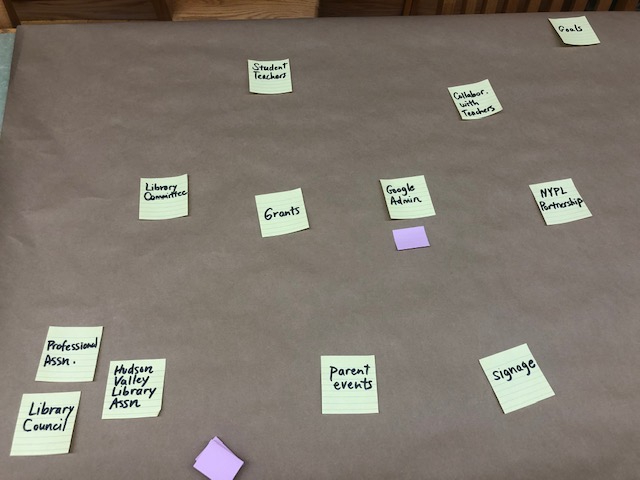
After the class and check-outs, C and I sat down to address the next steps on the iPad Project. C also talked me through some of the grant opportunities that are out there. I need to research them a bit more to see if Charter Schools qualify. Afterward, C mentioned that she would like to create a curriculum map for each school, and per class to get herself organized. Later in the week I experimented with a few different layouts, found here.
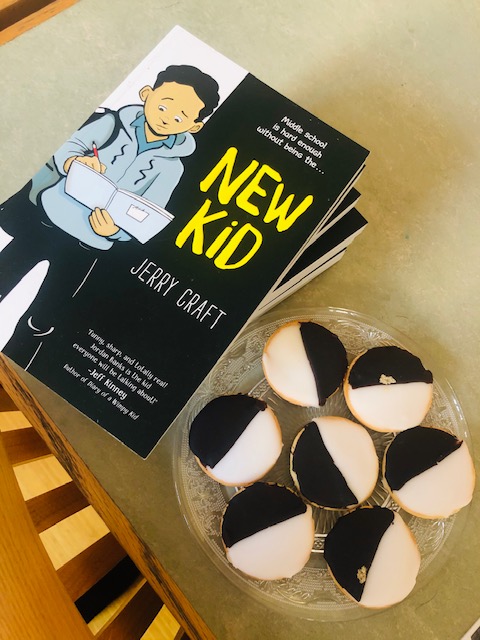
The 5th grade book club girls came in during lunch and we continued reading and discussing, New Kid.
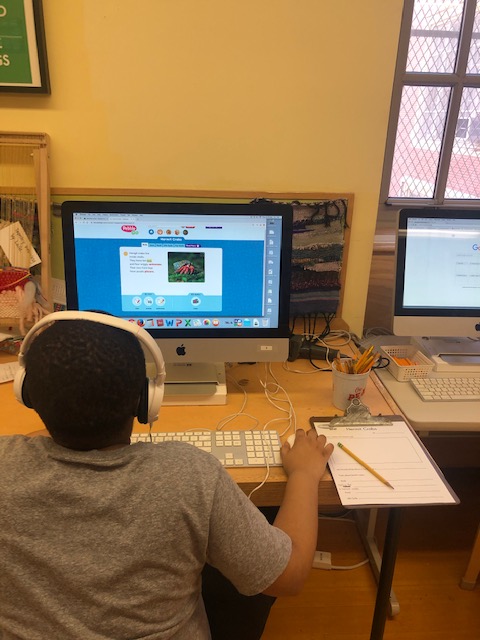
Because I’m only at McKinley once a day, I come in with a long list of things that I’d like to accomplish and assignments that are required to fill. But, there are only so many hours in a day. We hosted a second grade class walked them through a their Hermit crab research project on PebbleGo. The kids used a graphic organizer to collect their data which make it easier for them to find facts.
We also sent an email out to the DOE Apple contact about next steps on getting the ipad cart up and running.
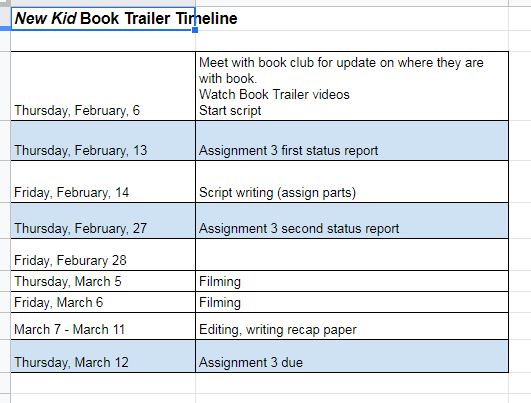
After, the 5th grade book club kids visited the library during their lunch break. They are all reading the new Newbery Award Medal book, New Kid. C had this awesome idea that maybe the kids could act out a book trailer on the green screen and I could use that as the IST 611 assignment, which is a collaborative technology project. I pulled together a timeline and given how many sessions I have before the assignment is due and how much time the book club actually has after they eat lunch, I’m a bit anxious about accomplishing this on time. But, onward I march.
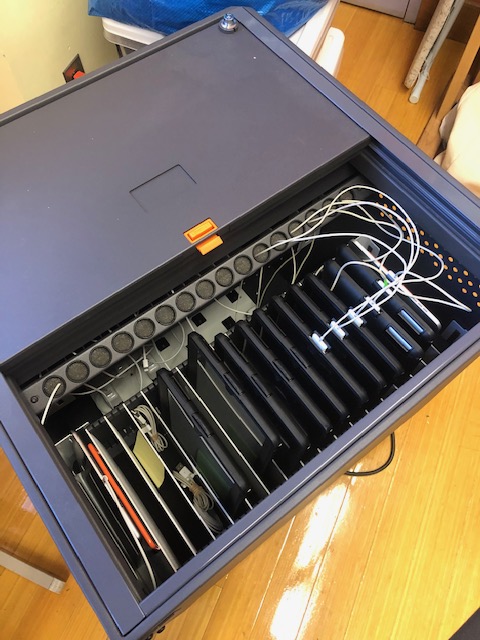
Today, I decided to tackle the iPad project (30 in all). I spent the majority of the day going through the ipad cart, making sure they all had chargers and were charging. I took an inventory making a list of iPad models, serial numbers, updating their software if available and noting if they needed and IOS installed and populated a google sheet wtih all the information. All of the iPads need an Apple Id. Cheryl and I will call the DOE Apple contact on Thursday to talk about volume vouchers and JAMF, which is a product for managing iPads, iPhones, Macs, and Apple TV for schools and businesses.
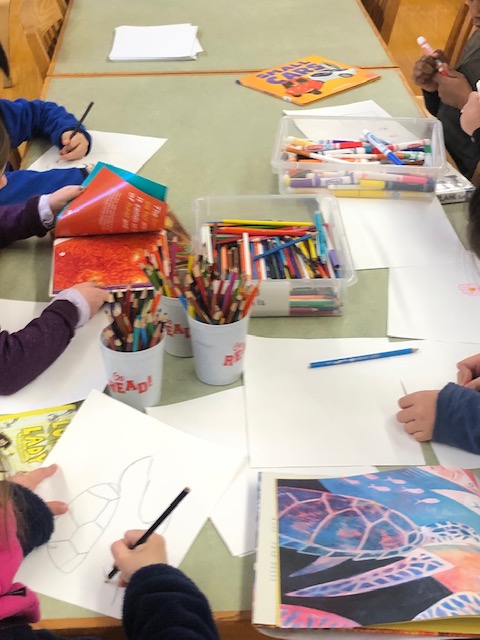
One of the campus schools has a really cute tradition called Open Access Work Hour. Once a month, classrooms open up for students from every grade to visit and participate in classroom sponsored activity. The library was open for a group of kid who were drawing Dewey shelf signage. It was a half day, so after the kids left I helped shelve, clean up and get ready for the long weekend. Cheryl and I some time to talk about my time at McKinley. Successful completion of my directed field work requires that I plan and teach one lesson, simultaneously I’m taking a class that requires I work with a librarian to implement or teach some sort of tech tool. I figured it would be great if I could accomplish both at the same time. We sat down to brainstorm, and our list might be a bit too aspiration given our short time together, but it gives me some things to start working on.
Priorities:
*Assignment 3 Tech in the Classroom: Flipgrid – Create recorded responses to Saadia Faruqi, the author of the Yasmin series who will be Skyping into the class 2/3. (I’ll look through standards to match it with something for my write-up) 1st graders.
*End of Fieldwork Project (maybe integrating tech) research using Wildlife in NYC and Pebble Go. 2nd Graders. Brainstorm on what needs to be done (lessons: research, citation, note taking)
*iPads – get iPads up and running ready for use. Library use. read through notes reach out to my IT person to see what apps/software must be on iPads Make list of things we need (cases, volume vouchers, etc.)
*CS First Dialog Coding learning about storytelling through coding. Ask my IT person how he manages log-ins for Scratch. Log-in for entire class would be difficult logistically – but can we save work if not logged in? Lessons: Vocabulary – sequence, sprites, costume.
*Next week activities: 1st grade: Mini character lesson study based on Yasmine (realistic fiction) 4/5 grade: Research lesson on history or sugar (?) PreK: Read aloud maybe about Chinese New Year?
Other fun ideas: 2nd grade: Being an advocate Transforming office into recording studio
 Directed Fieldwork at McKinley